
1
Sign Up
Go to sx.bet and create an account. You have two options:
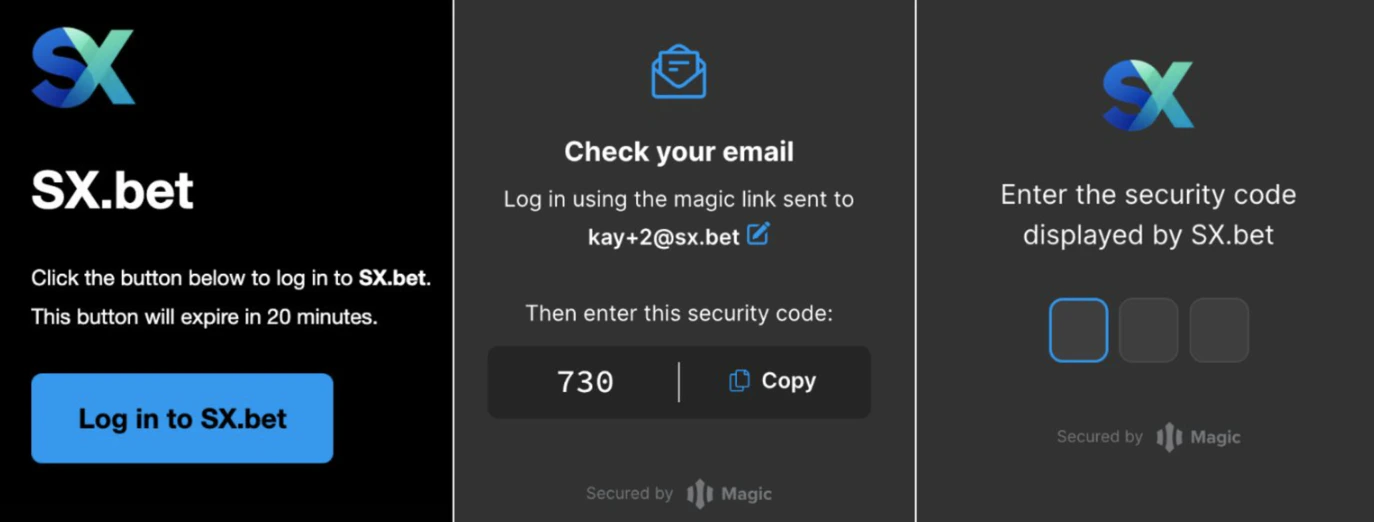
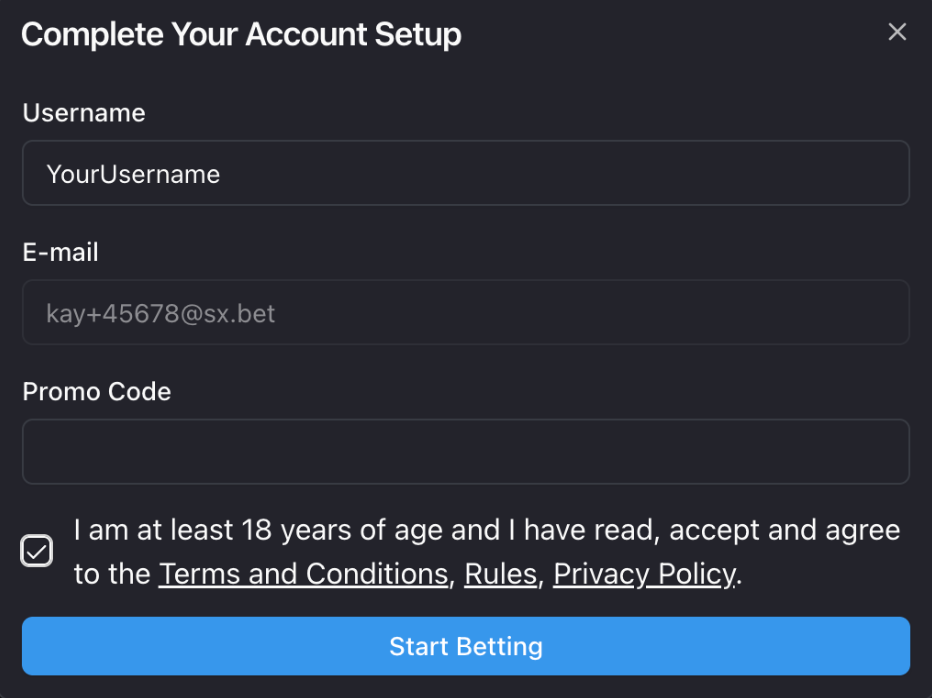
Email or Google
Sign up with your email or Google account. SX Bet will automatically create a secure wallet for you — no crypto experience needed.
2
Fund Your Wallet
To place bets, you’ll need USDC in your SX Bet wallet. There are several ways to deposit:
- Click Deposit on SX Bet and select Deposit from anywhere.
- Select the token you will be using to deposit and the blockchain network you’re sending it on.
- Copy your transfer address.
- Go to your exchange or wallet, click Send, paste your transfer address, and enter the amount you would like to deposit.
- Confirm the transfer. Your USDC will appear in your SX Bet wallet shortly.
3
Place a Bet
Now that your wallet is funded, you’re ready to bet.
- Browse markets — find a game you want to bet on. Use the sidebar to browse by sport, or search for a specific team or event.
- Select your bet — click on the outcome you want to bet on. This opens the bet slip.
- Enter your stake — type in how much USDC you want to wager. You’ll see your potential payout calculated automatically.
- Place your bet — click “Place Bet” to confirm. If you’re using MetaMask or Rabby, confirm the transaction in your wallet.
What’s Next?
Finding Markets
Browse sports, leagues, and bet types on SX Bet.
Market Orders (Taker)
Bet at the best available odds and get matched instantly.
Limit Orders (Maker)
Request your own odds and wait for someone to fill your order.