
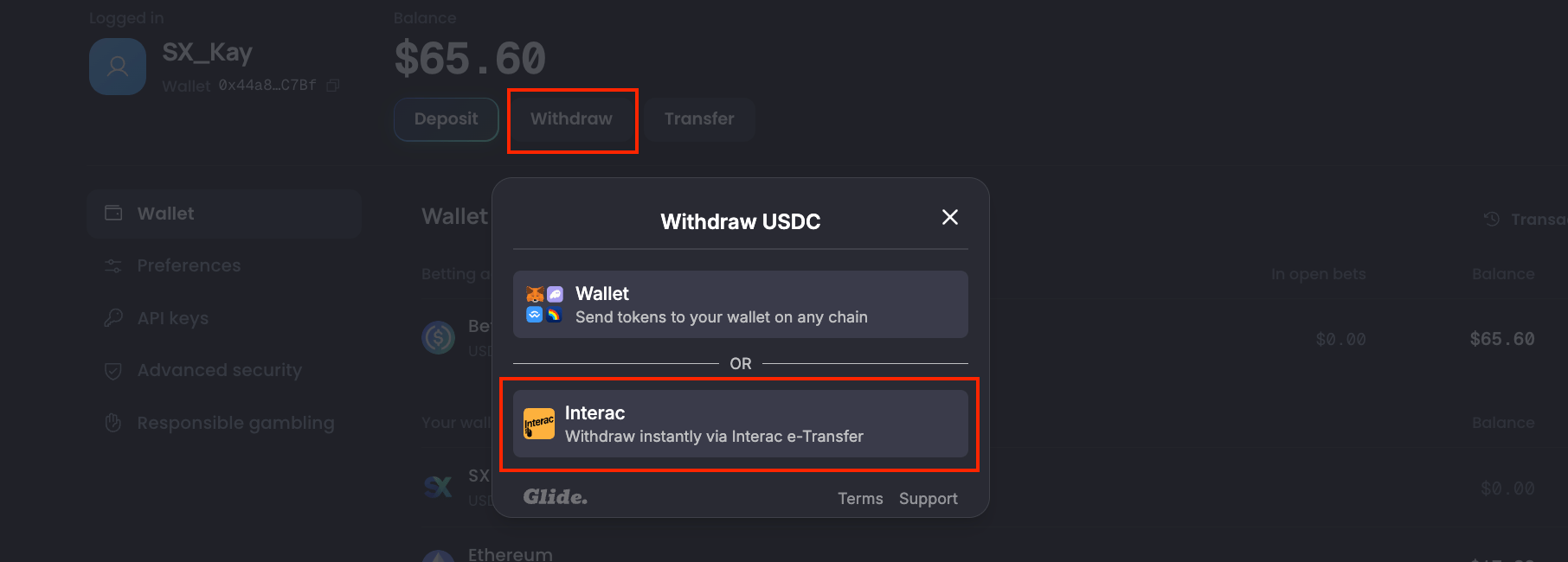
- Go to the Account Page on SX Bet, click on “Withdraw” and select “Interac”
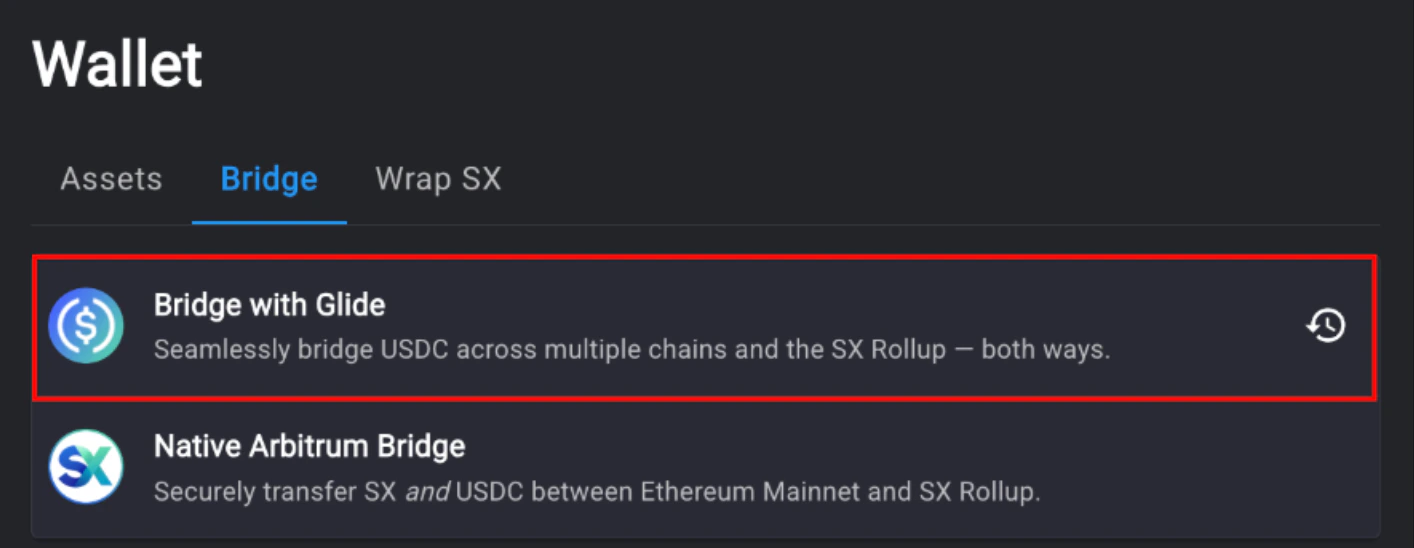
- Enter your PayTrie account email. Click “Send verification code”, then check your email inbox for a 4-digit verification code. Confirm the withdrawal by clicking “Withdraw now”.
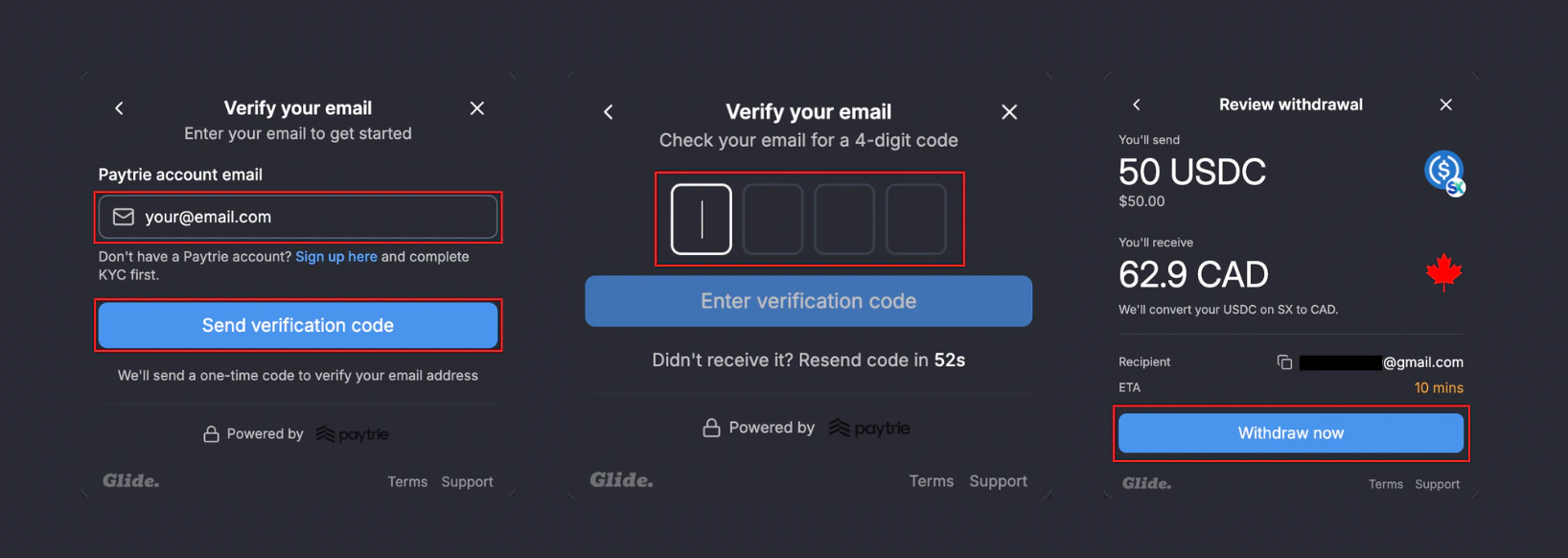
- Once the transaction is complete, an Interac e-Transfer will be sent to your email.
Deposit via Interac
Fund your wallet again using Interac e-Transfer.
Maker Rewards
Earn USDC by providing liquidity on SX Bet markets.